"use client";

import { KbdCombo } from "@/components/ui/kbd-key";
import React from "react";
import { motion, useAnimationControls } from "framer-motion";

export default function KbdKeyDemo() {
  const controls = useAnimationControls();

  const handleTrigger = () => {
    controls.start({
      boxShadow: [
        "0 0 0 0px rgba(163, 163, 163, 0)",
        "0 0 0 4px rgba(163, 163, 163, 0.45)",
        "0 0 0 0px rgba(163, 163, 163, 0)",
      ],
      transition: { duration: 0.6, ease: "easeOut" },
    });
  };

  return (
    <div className="flex w-full flex-col items-center gap-5 py-10">
      <motion.div
        animate={controls}
        className="flex h-10 w-full max-w-sm items-center justify-between gap-3 rounded-lg border border-neutral-200 bg-white px-3 dark:border-neutral-700 dark:bg-neutral-900"
      >
        <span className="flex items-center gap-2 text-sm text-neutral-400">
          <svg
            width="14"
            height="14"
            viewBox="0 0 24 24"
            fill="none"
            stroke="currentColor"
            strokeWidth="2"
            strokeLinecap="round"
            strokeLinejoin="round"
            aria-hidden="true"
          >
            <circle cx="11" cy="11" r="8" />
            <path d="m21 21-4.3-4.3" />
          </svg>
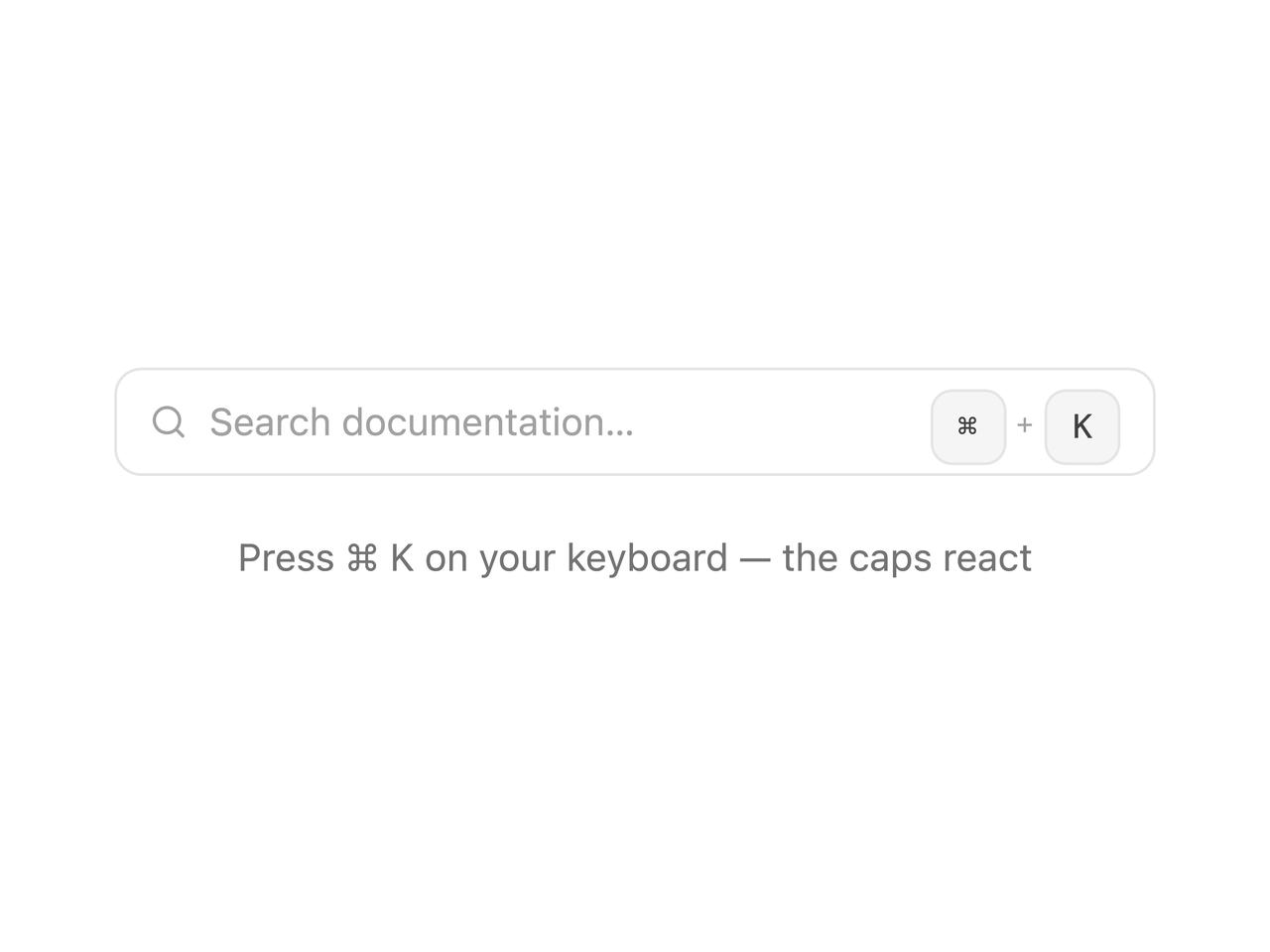
          Search documentation…
        </span>
        <KbdCombo keys="meta+k" onTrigger={handleTrigger} />
      </motion.div>
      <p className="text-sm text-neutral-500 dark:text-neutral-400">
        Press ⌘ K on your keyboard — the caps react
      </p>
    </div>
  );
}