import * as React from "react";

import ShatterZoomHero from "@/components/ui/shatter-zoom-hero";

/**
 * Live controls. 21st reads this literal for the preview's controls panel and
 * writes any tuned values back into the code a visitor copies.
 */
const settings = {
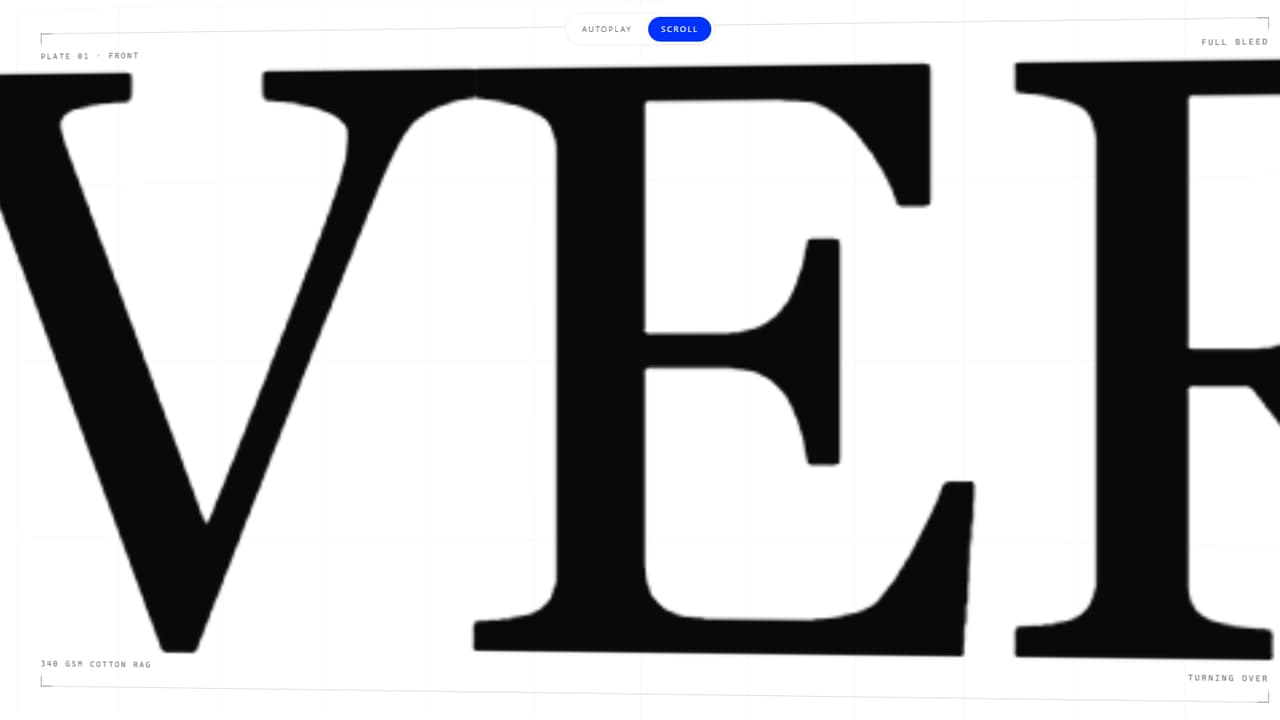
  frontWord: "OBVERSE",
  backWord: "REVERSE",
  eyebrow: "Plate 01",
  duration: 3000,
  chaos: 1,
  autoplay: true,
};

export default function Demo(props: Partial<typeof settings>) {
  const s = { ...settings, ...props };
  const [mode, setMode] = React.useState<"auto" | "scroll">(s.autoplay ? "auto" : "scroll");

  React.useEffect(() => {
    setMode(s.autoplay ? "auto" : "scroll");
  }, [s.autoplay]);

  return (
    <div className="relative w-full">
      <ShatterZoomHero
        frontWord={s.frontWord}
        backWord={s.backWord}
        eyebrow={s.eyebrow}
        frontLine="The face the press is meant to see."
        runningHead="Front / obverse"
        backLine="The same plate, read from the other side of the sheet."
        specs={[
          { label: "Stock", value: "340 gsm cotton rag" },
          { label: "Plate", value: "Offset, 2 colour" },
          { label: "Impression", value: "1.2 mm" },
          { label: "Edition", value: "1 of 1" },
        ]}
        mode={mode}
        duration={s.duration}
        chaos={s.chaos}
      />

      <div className="fixed left-1/2 top-4 z-40 flex -translate-x-1/2 items-center gap-1 rounded-full border border-border/60 bg-background/85 p-1 backdrop-blur-md">
        {(["auto", "scroll"] as const).map((m) => (
          <button
            key={m}
            type="button"
            id={`shz-demo-${m}`}
            data-slot="shz-demo-mode"
            aria-pressed={mode === m}
            onClick={() => setMode(m)}
            className={
              mode === m
                ? "rounded-full bg-primary px-4 py-2 text-[10px] uppercase tracking-[0.2em] text-primary-foreground transition-colors duration-500"
                : "rounded-full px-4 py-2 text-[10px] uppercase tracking-[0.2em] text-muted-foreground transition-colors duration-500 hover:text-foreground"
            }
          >
            {m === "auto" ? "Autoplay" : "Scroll"}
          </button>
        ))}
      </div>
    </div>
  );
}