"use client";

import {
  SelectionToolbar,
  SelectionToolbarItem,
  SelectionToolbarSeparator,
} from "@/components/ui/selection-toolbar";
import { Bold, Copy, Italic } from "lucide-react";
import * as React from "react";

export default function SelectionToolbarInfoDemo() {
  const containerRef = React.useRef<HTMLDivElement>(null);
  const [selectedText, setSelectedText] = React.useState("");
  const [wordCount, setWordCount] = React.useState(0);
  const [charCount, setCharCount] = React.useState(0);

  const wrapSelection = (tagName: string) => {
    const selection = window.getSelection();
    if (!selection || selection.rangeCount === 0) return;

    const range = selection.getRangeAt(0);
    const selectedText = range.toString();
    if (!selectedText) return;

    const wrapper = document.createElement(tagName);
    try {
      range.surroundContents(wrapper);
    } catch {
      wrapper.textContent = selectedText;
      range.deleteContents();
      range.insertNode(wrapper);
    }

    selection.removeAllRanges();
  };

  const onBold = () => {
    wrapSelection("strong");
  };

  const onItalic = () => {
    wrapSelection("em");
  };

  const onCopy = (text: string) => {
    navigator.clipboard.writeText(text);
  };

  const onSelectionChange = (text: string) => {
    setSelectedText(text);
    const words = text.trim().split(/\s+/).filter(Boolean);
    setWordCount(words.length);
    setCharCount(text.length);
  };

  return (
    <div className="flex min-h-[400px] w-full flex-col items-center justify-center gap-4">
      <div
        ref={containerRef}
        contentEditable
        suppressContentEditableWarning
        className="w-full max-w-2xl space-y-4 rounded-lg border bg-card p-8 text-card-foreground outline-none focus-visible:border-ring focus-visible:ring-[3px] focus-visible:ring-ring/50"
      >
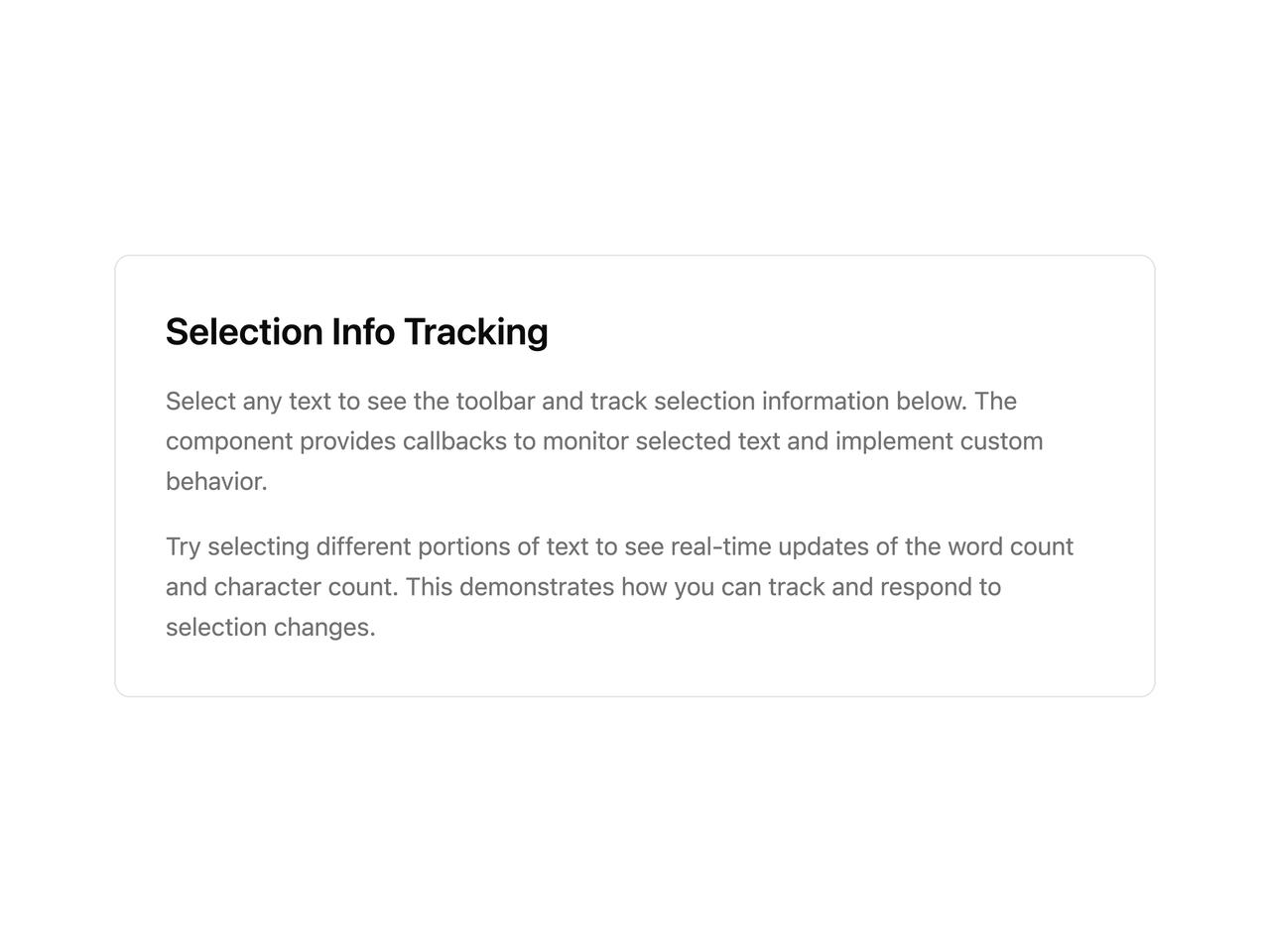
        <h2 className="text-2xl font-semibold">Selection Info Tracking</h2>
        <p className="leading-relaxed text-muted-foreground">
          Select any text to see the toolbar and track selection information
          below. The component provides callbacks to monitor selected text and
          implement custom behavior.
        </p>
        <p className="leading-relaxed text-muted-foreground">
          Try selecting different portions of text to see real-time updates of
          the word count and character count. This demonstrates how you can
          track and respond to selection changes.
        </p>

        <SelectionToolbar
          container={containerRef}
          onSelectionChange={onSelectionChange}
        >
          <SelectionToolbarItem onSelect={onBold}>
            <Bold />
          </SelectionToolbarItem>
          <SelectionToolbarItem onSelect={onItalic}>
            <Italic />
          </SelectionToolbarItem>
          <SelectionToolbarSeparator />
          <SelectionToolbarItem onSelect={onCopy}>
            <Copy />
          </SelectionToolbarItem>
        </SelectionToolbar>
      </div>

      {selectedText && (
        <div className="flex w-full max-w-2xl flex-col gap-2 rounded-lg border bg-muted/50 p-4">
          <div className="text-sm font-medium">Selection Info</div>
          <div className="grid grid-cols-2 gap-4 text-sm">
            <div>
              <span className="text-muted-foreground">Words: </span>
              <span className="font-medium">{wordCount}</span>
            </div>
            <div>
              <span className="text-muted-foreground">Characters: </span>
              <span className="font-medium">{charCount}</span>
            </div>
          </div>
          <div className="text-xs text-muted-foreground">
            <span className="font-medium">Selected text: </span>"
            {selectedText.length > 50
              ? `${selectedText.slice(0, 50)}...`
              : selectedText}
            "
          </div>
        </div>
      )}
    </div>
  );
}